
1 BIG-IP, OpenShift, and Application Validation
1.1 Application Objects
To browse our application we will utilize the ocp-provisioner jumphost
From UDF navigate to the ocp-provisioner and use the XRDP access method
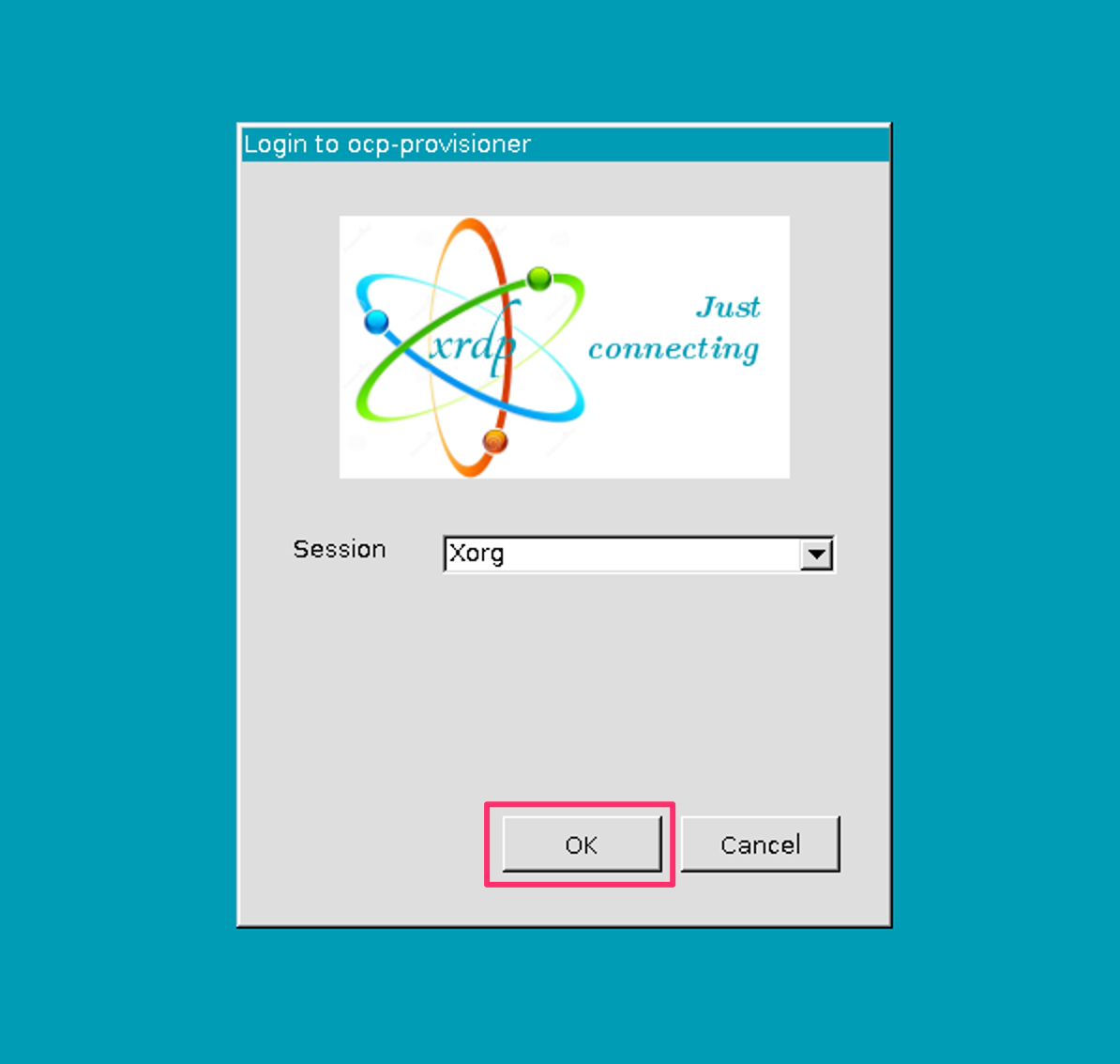
1.1.1 Application Access
Open Firefox
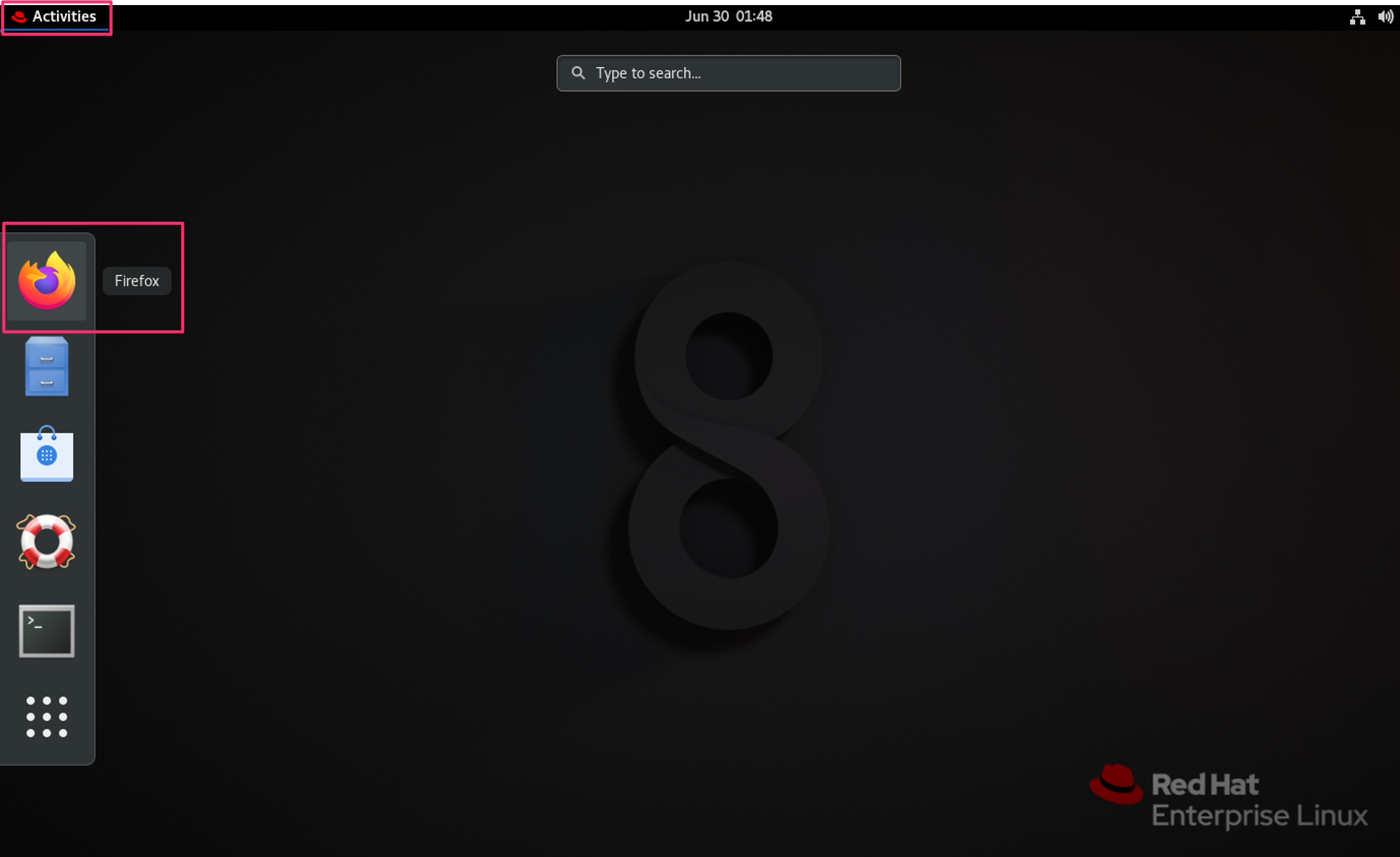
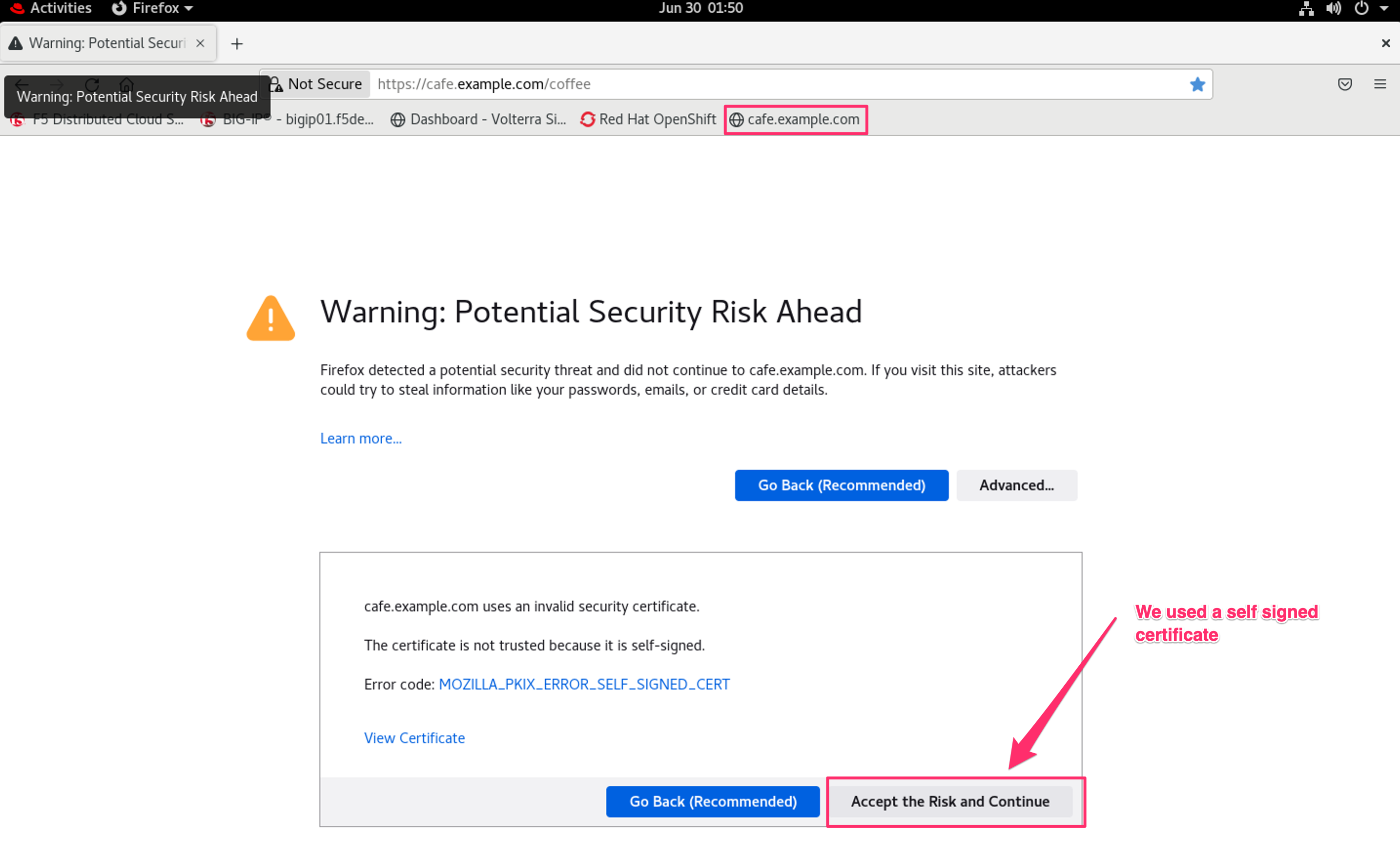
Accept Certificate Warnings
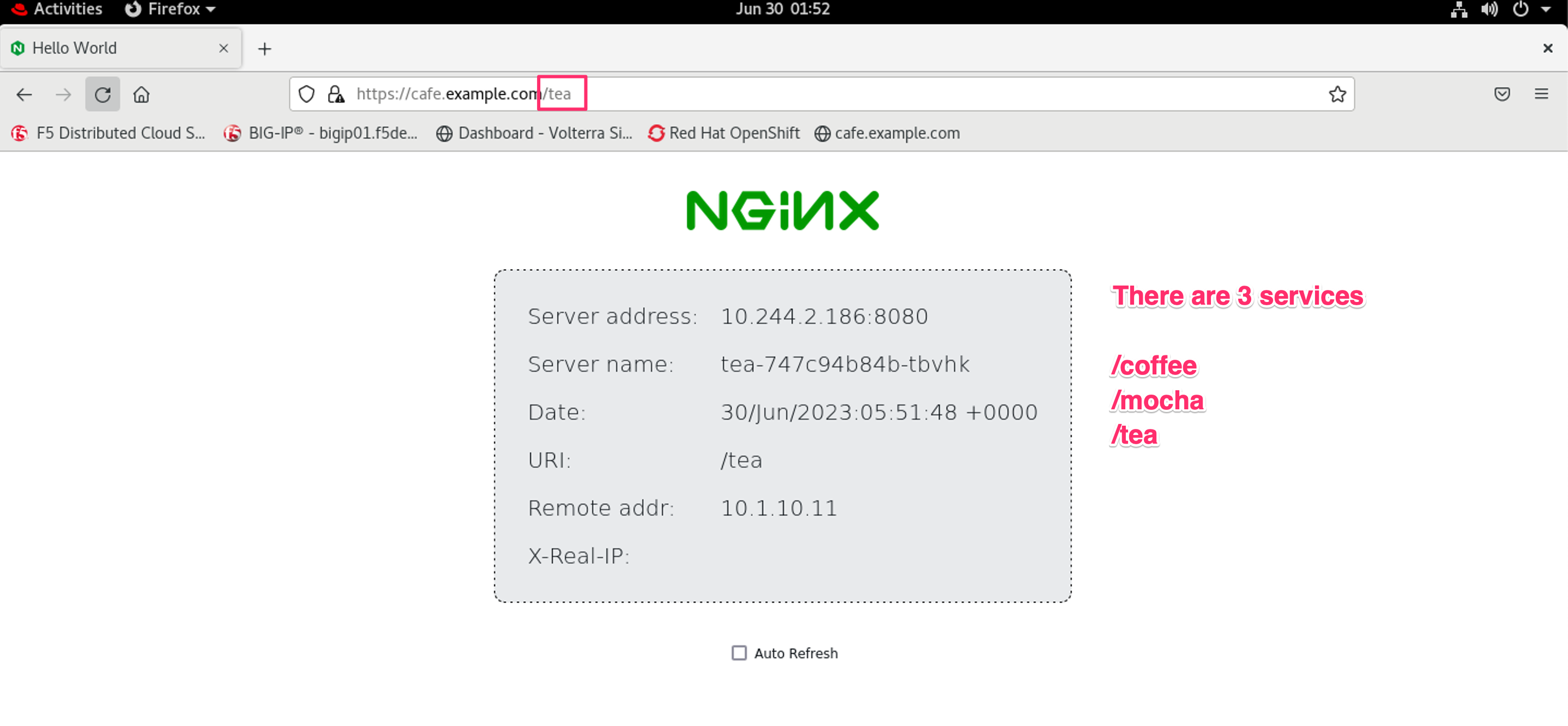
Browse cafe.example.com
1.2 OpenShift Objects
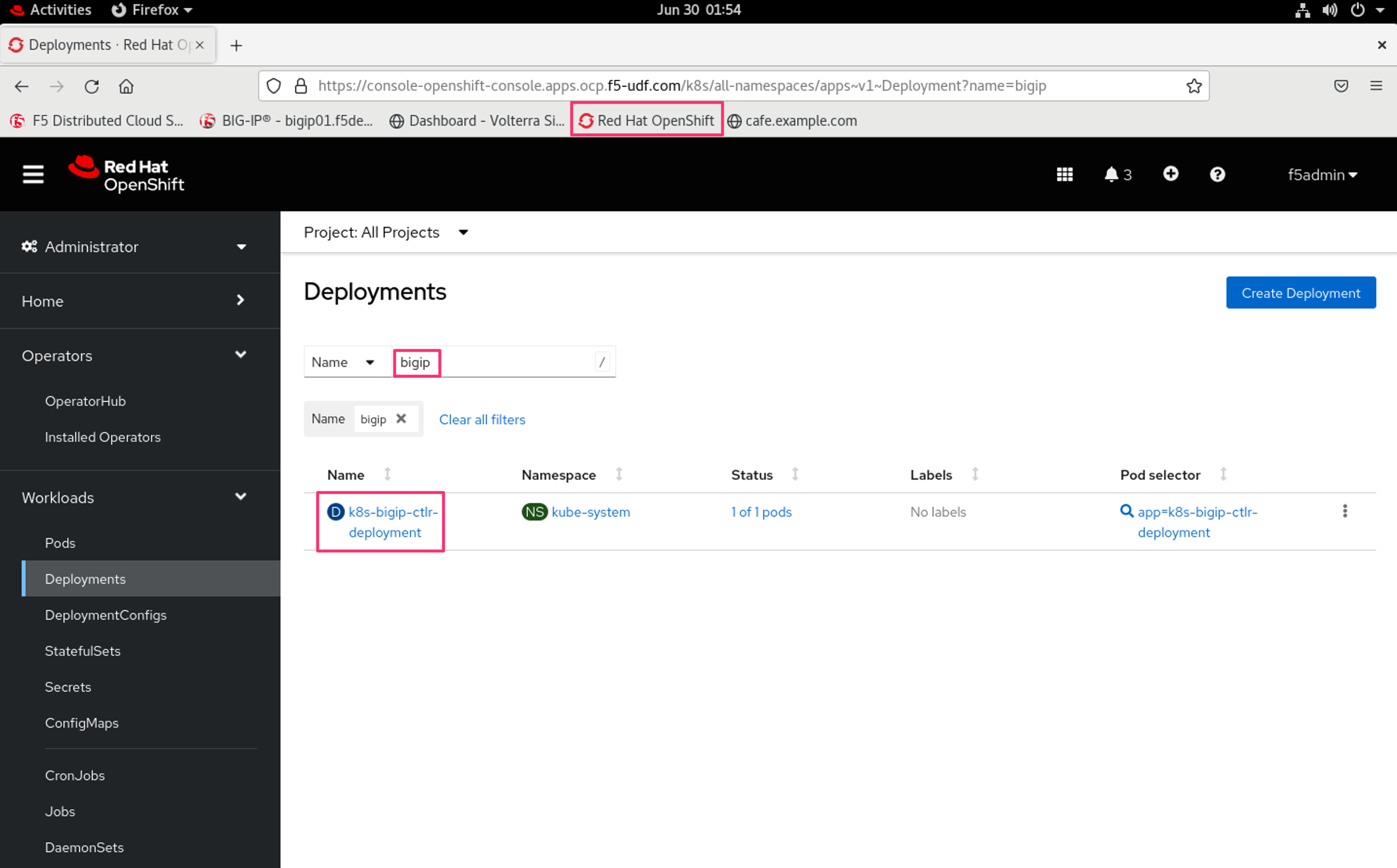
OpenShift management is installed and accessible from the ocp-provisioner bookmarks. The resources for this lab were created with commands, but the resources also exist in the management.
1.3 BIG-IP Objects
Configuration of resources is quicker through the command line. However, its useful to still see what objects have been created in the BIG-IP TMUI.
1.3.1 BIG-IP TMUI
From UDF navigate to the BIG-IP and use the TMUI access method
Note
Login credentials are located under details
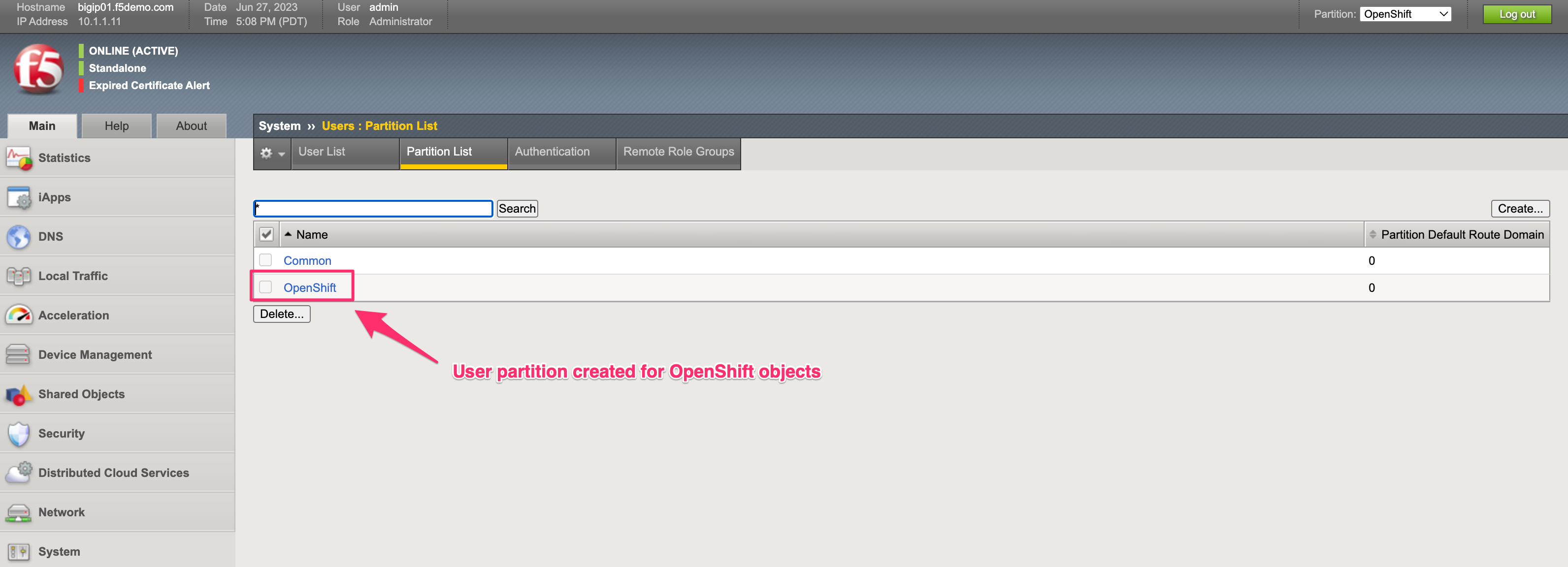
1.3.2 Partition
Partition created for OpenShift
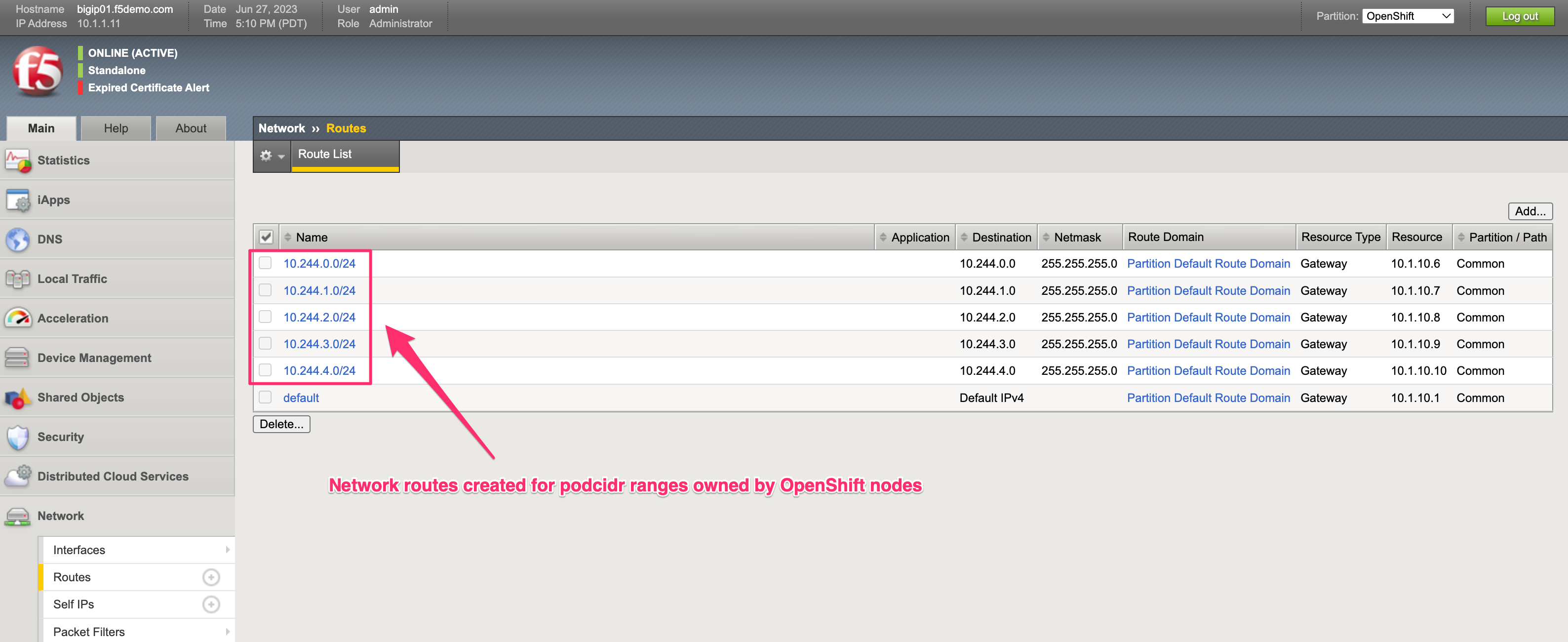
1.3.3 Routes
Routes created for the OpenShift nodes
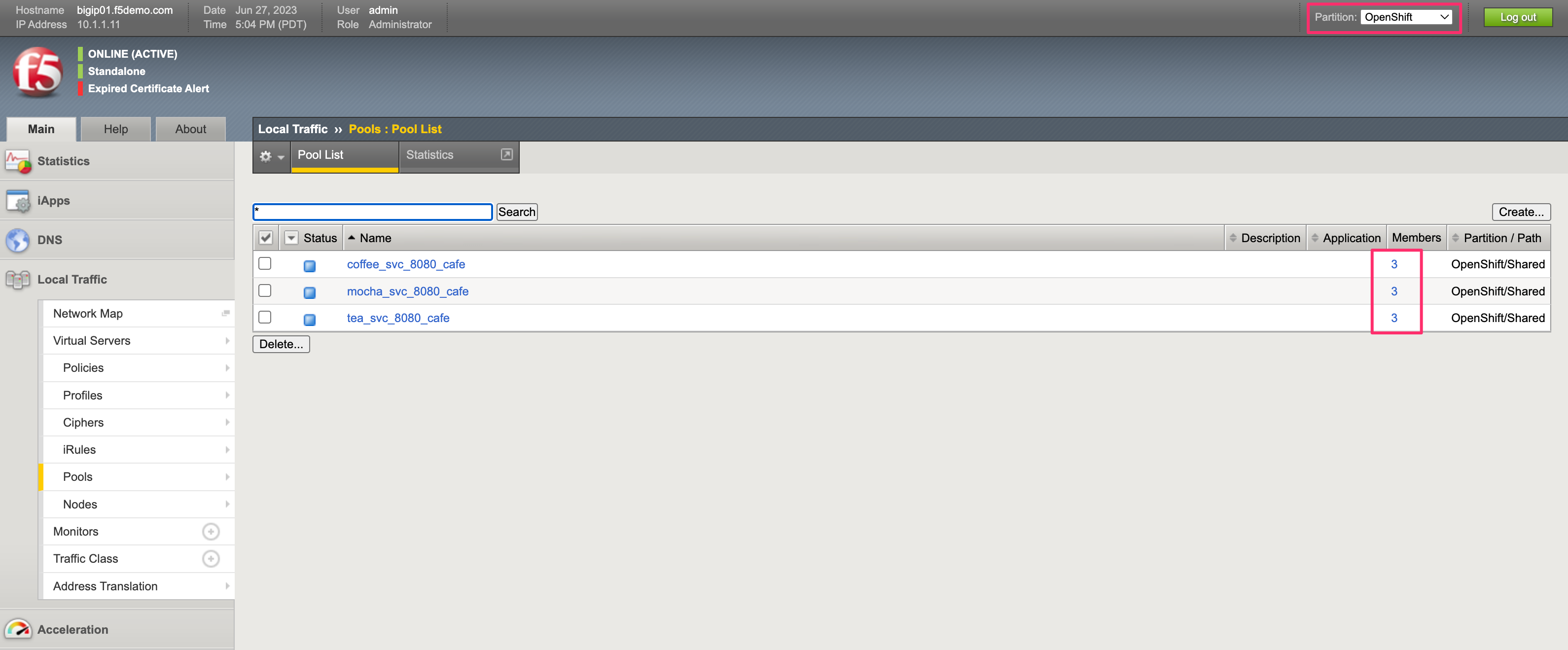
1.3.4 Pools
Pools created for the three services in OpenShift
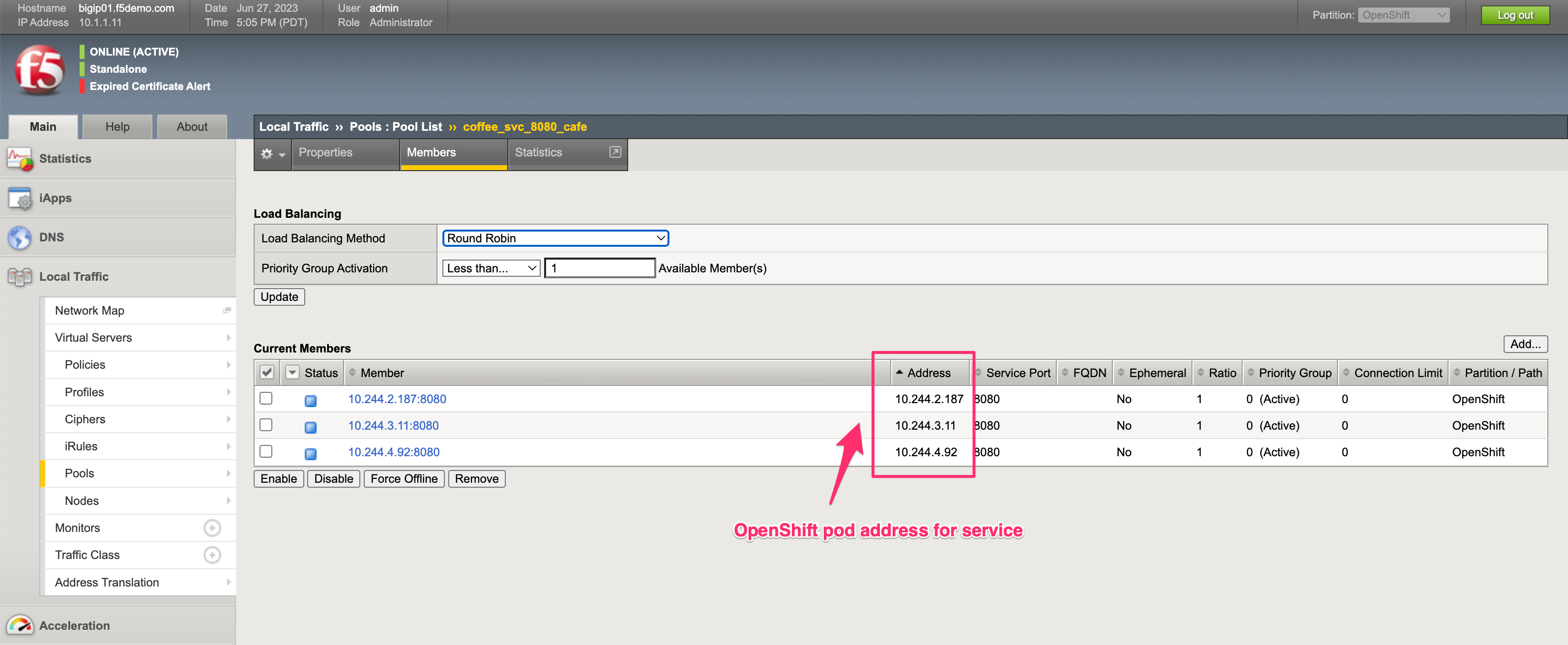
1.3.5 Pool Members
Pool members for one of the OpenShift services
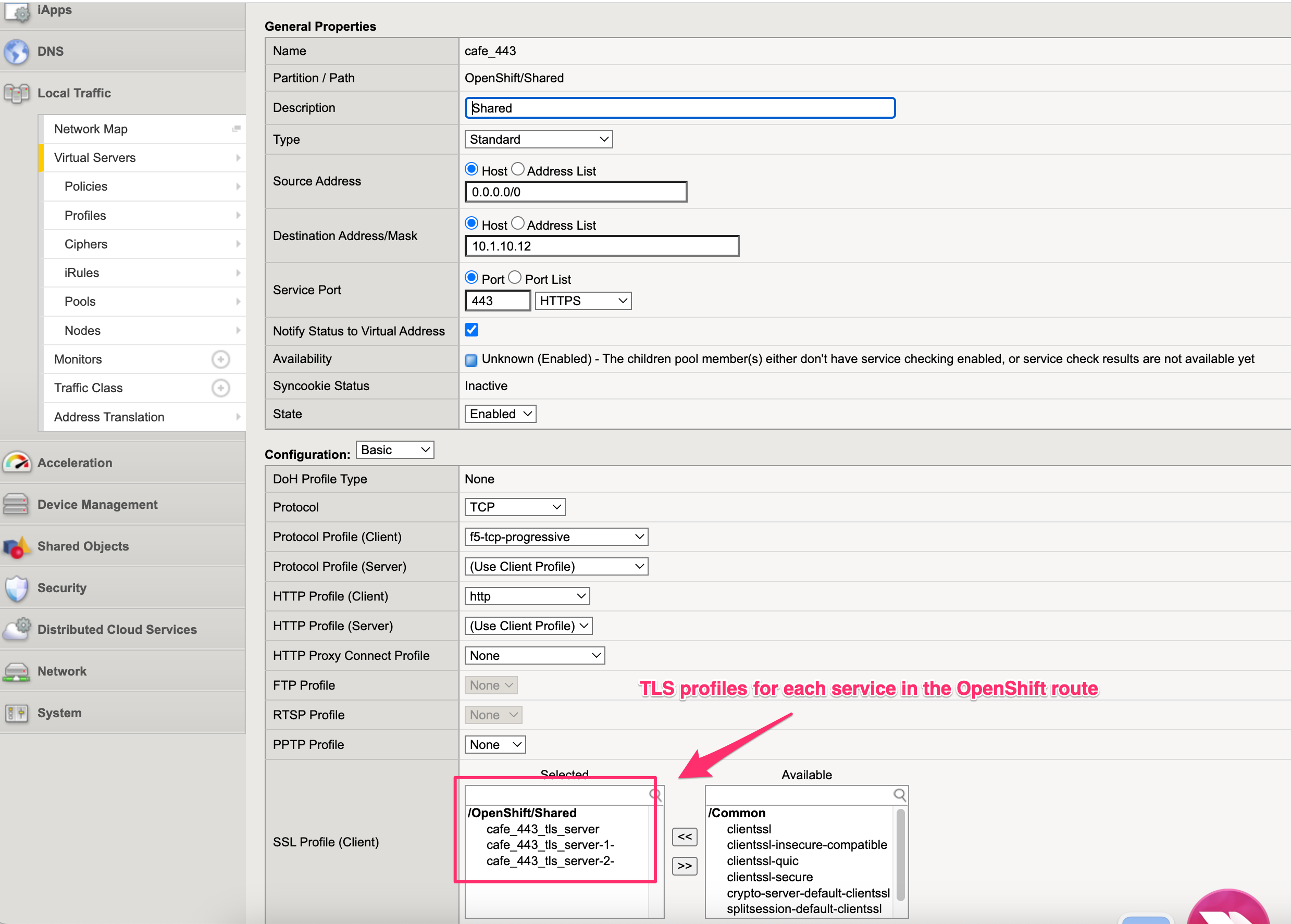
1.3.6 Virtuals
A virtual server that was created via the global configmap for the cafe namespace

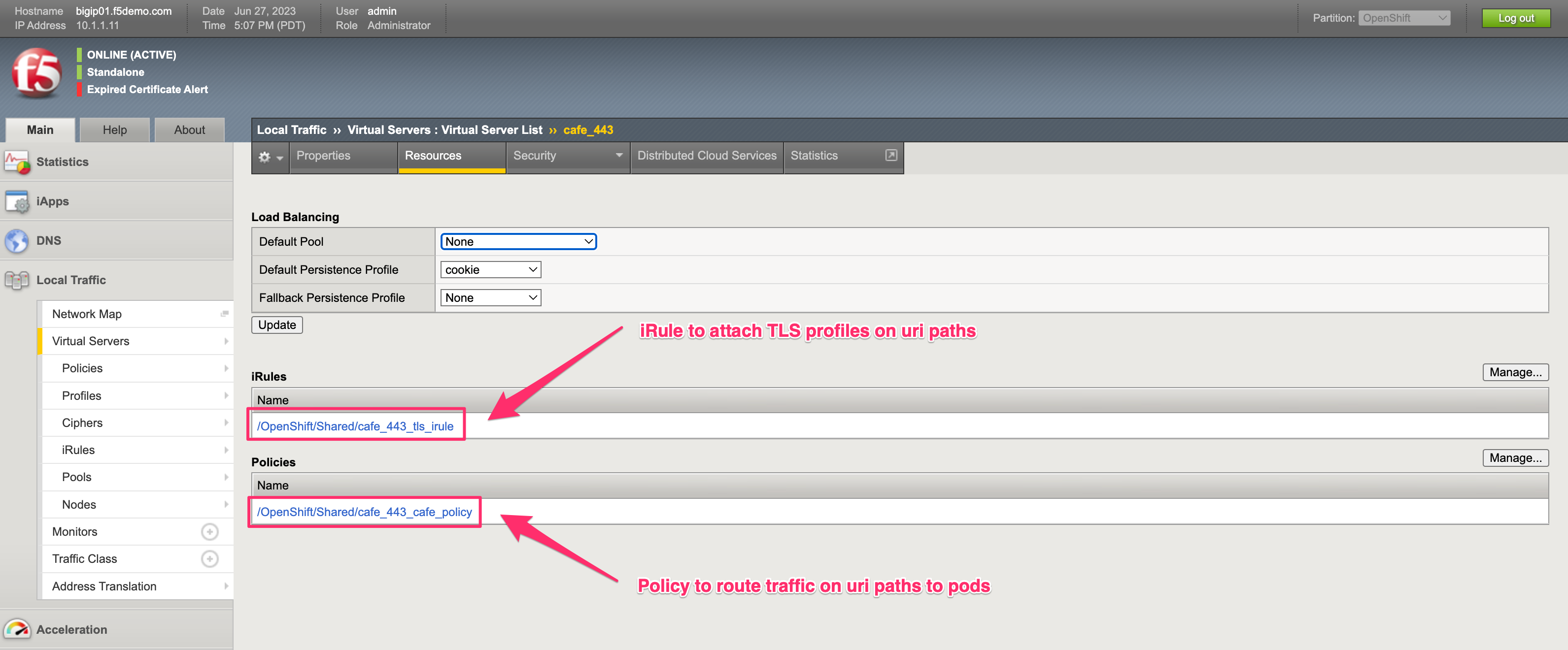
1.3.7 iRules and Policies
iRules and policies that were created by BIG-IP CIS, are used to attach different resources for different paths or host matches
1.3.8 TLS
TLS profiles that were created from the route manifests
1.4 Changing Resources
After exploring the objects that were created in the previous modules, here are a few commands we can use to show some changes. Execute the OpenShift commands below to scale or delete services, look at the BIG-IP TMUI after each one to see how BIG-IP objects are adjusted to reflect the OpenShift changes.
# Scale deployment coffee, how fast are pools updated?
oc scale --replicas=7 deployment coffee -n cafe

# Scale deployment mocha, how fast are pools updated?
oc scale --replicas=14 deployment mocha -n cafe

# Scale deployment tea, how fast are pools updated?
oc scale --replicas=21 deployment tea -n cafe

# Delete route, what changes?
oc delete route deployment cafe-coffee-edge -n cafe

# Delete a service, what changes?
oc delete service mocha-svc -n cafe
1.5 Reset Resources
Reset OpenShift resources back to lab configuration, browse to the file below, copy and paste into the ocp-provisioner webshell.
https://raw.githubusercontent.com/jmcalalang/F5-Escape-the-Datacenter/main/docs/quicksteps/quicksteps-openshift.code
Warning
This script runs from the root user, make sure to exit from cloud-user